
The EArk Console Dashboard provides all the essential features to manage your products and services, including your hosting plan, web files, domains, billing and tickets, all in one place. The console is also your entry point to your hosting plan’s CPanel.
How to access Console Dashboard
Log in to your console account
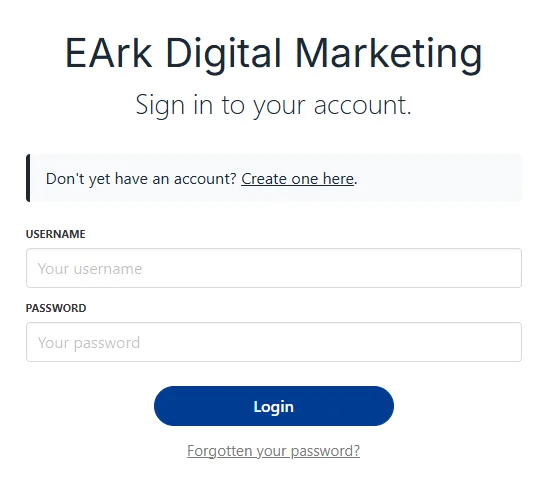
Sign in to your EArk console by entering your username or email and password.
Reset your password if you could not remember.
Use your Console
Console Dashboard
Once logged in, you will find the primary management categories on the top menu.
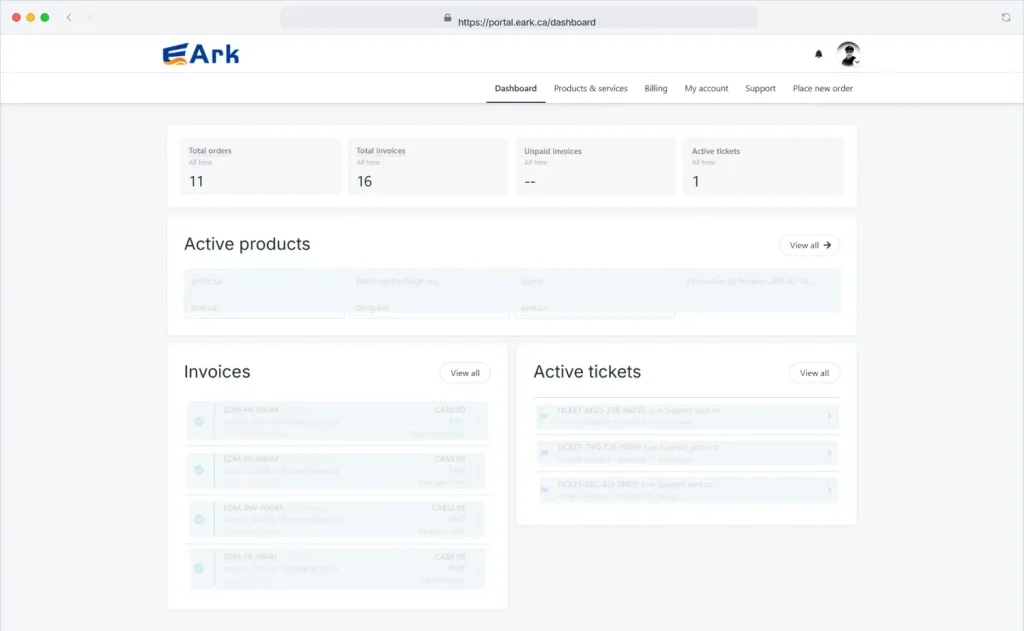
- Under header menu, you can also glance your orders, invoices, unpaid invoices and active tickets.
- Under Active products, you can pin your frequently visited services here for quick access. To view all products/services, click View all.
Products and Services
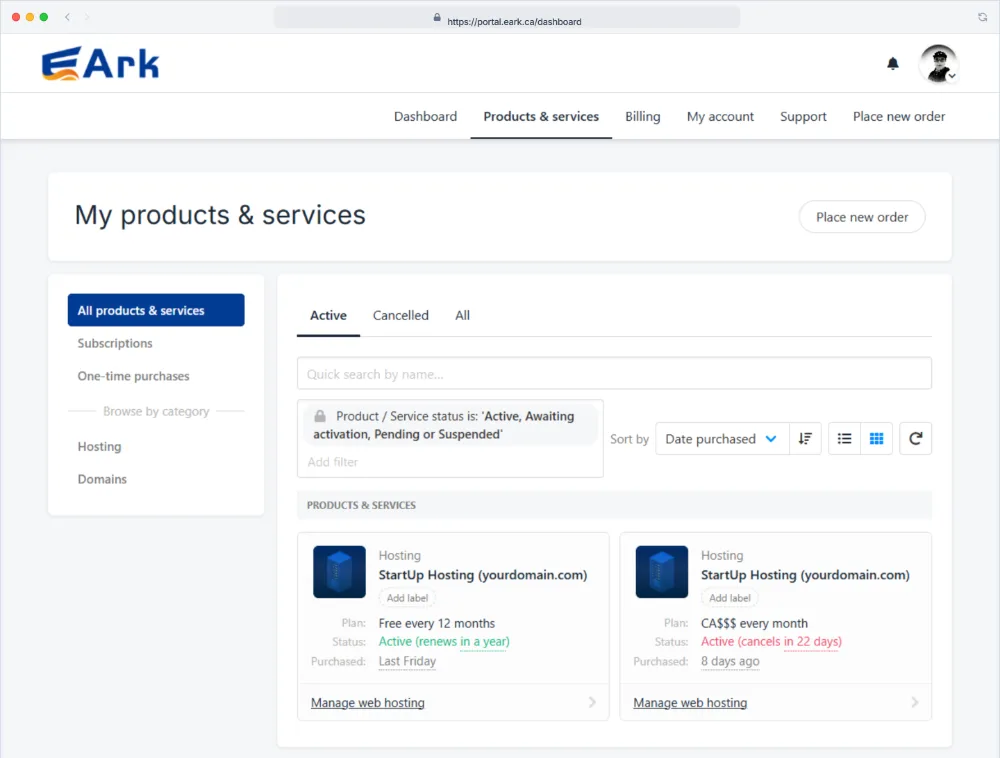
Go to Products & services for the following:
- View all your active and cancelled subscriptions and one-time purchases
- Browse your product and services by categories such as hosting and domains
- View plan details such as their contract terms and renewal cycles
- Manage your hosting plans
- Manage your domains
Billing
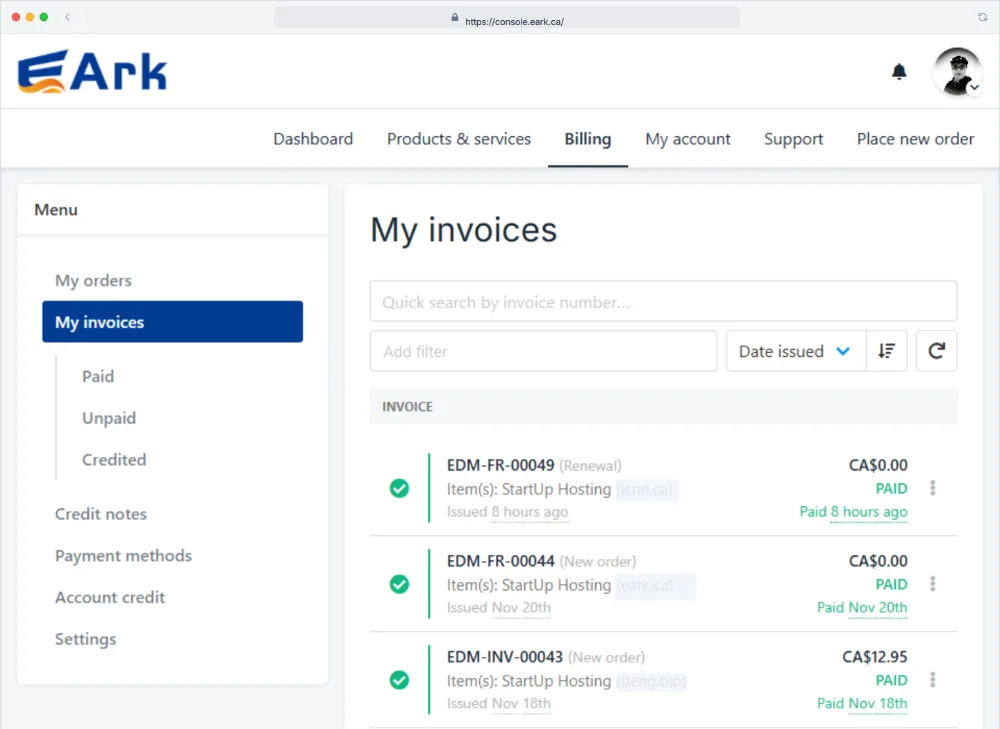
Go to Billing for the following tasks:
- View all your orders
- Manage and download paid, unpaid and credited invoices
- View credit notes
- Add, change or delete payment methods
- View or top up account credit
- Change your preferred currency under Settings under Billing
My Account
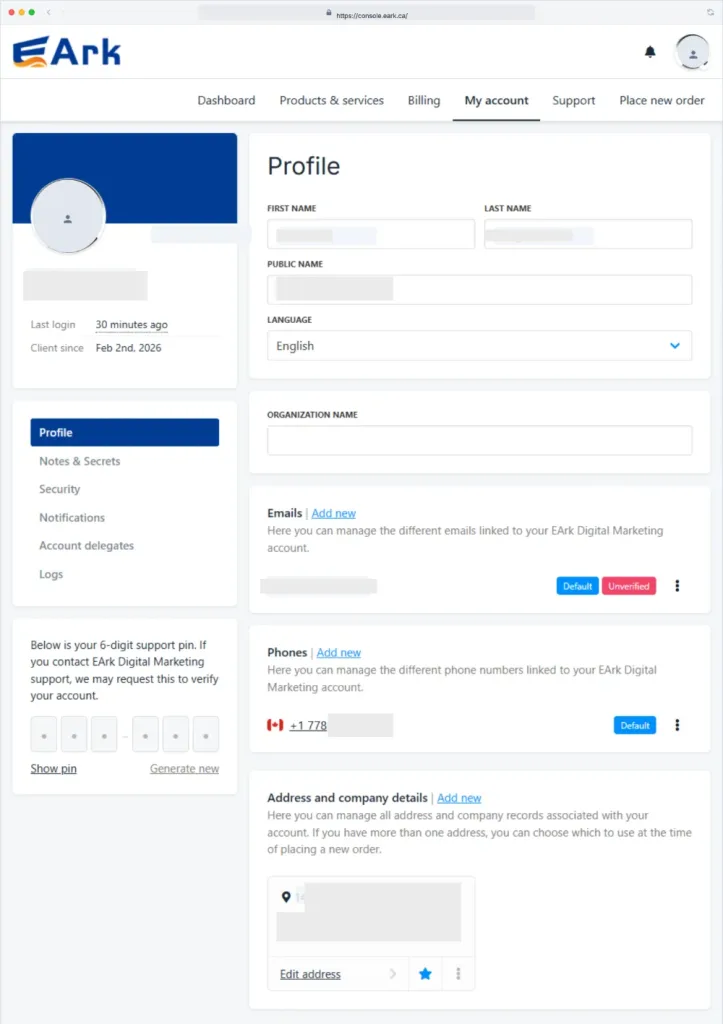
Profile
Go to My account / Profile to manage the following:
- Update your first name, last name, public name
- Change console language (available in English and traditional Chinese)
- Change your profile picture
- Update your organization name
- Add, change or delete your account emails associated with your account
- Add, change or delete your phones emails associated with your account
- Add, change or delete your addresses emails associated with your account
Notes & Secrets
Go to My account / Notes & Secrets to create a note or secret that you would like to share with EArk team.
Please note anything notes you add, either under account notes, or under account secrets, are visible to our agents.
If you wish to share sensitive information, such as login details for your accounts, save them under Account Secrets. These information are stored in a digital vault using AES-256 encryption to ensure your data is safe and secure.
Security
Go to My account / Security to manage the following:
- Change your username
- Set a new password
- Enable two-factor authentication (muse download an authentication app)
- Restrict access by IP (manage which IP addresses are permitted to access this account. If you are in a dynamic IP environment, do not use this feature as it may block you from future access)
Notifications
Go to My account / Notifications to manage the following:
- System notifications
- Billing notifications
- Marketing notifications
- Support notifications
- Service updates
Account Delegates
Go to My account / Account Delegates if you wish to grant account access to other users such as colleagues.
Access can be scoped to specific contract products or extended across the entire account. Permissions can be changed or revoked at any time.
Logs
Go to My account / Logs to manage the following:
- View an email history from the system related to you
- View login attempts of your account
Support
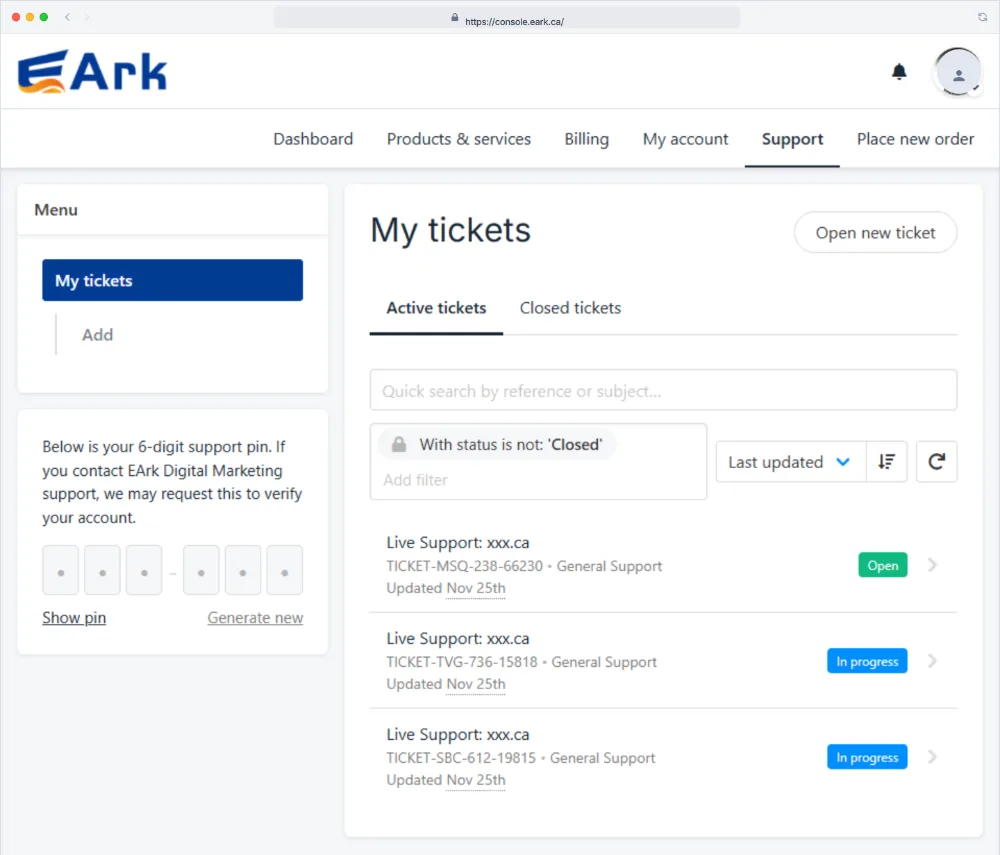
Go to Support to manage the following:
- View exiting tickets
- Open new ticket
- Respond to a ticket