To purchase products or services, and receive support from EArk, you must have an account and an active product or service. Your account is managed through EArk Console.
Creating an account
Click the following button to register an account.
You will need to submit the following information to register a Console Account:
- First name
- Last name
- Password (8+ characters, consisting of both numbers and letters)
- Phone (with country code, Canada for +1, China mainland for +86)
- Organization name (optional)
Once you filled out the form, click Continue for the next step. You will automatically be redirected to your Console Dashboard after submitting the registration form.
From Console Dashboard, you can then proceed to place a new order.
Verify Your Email
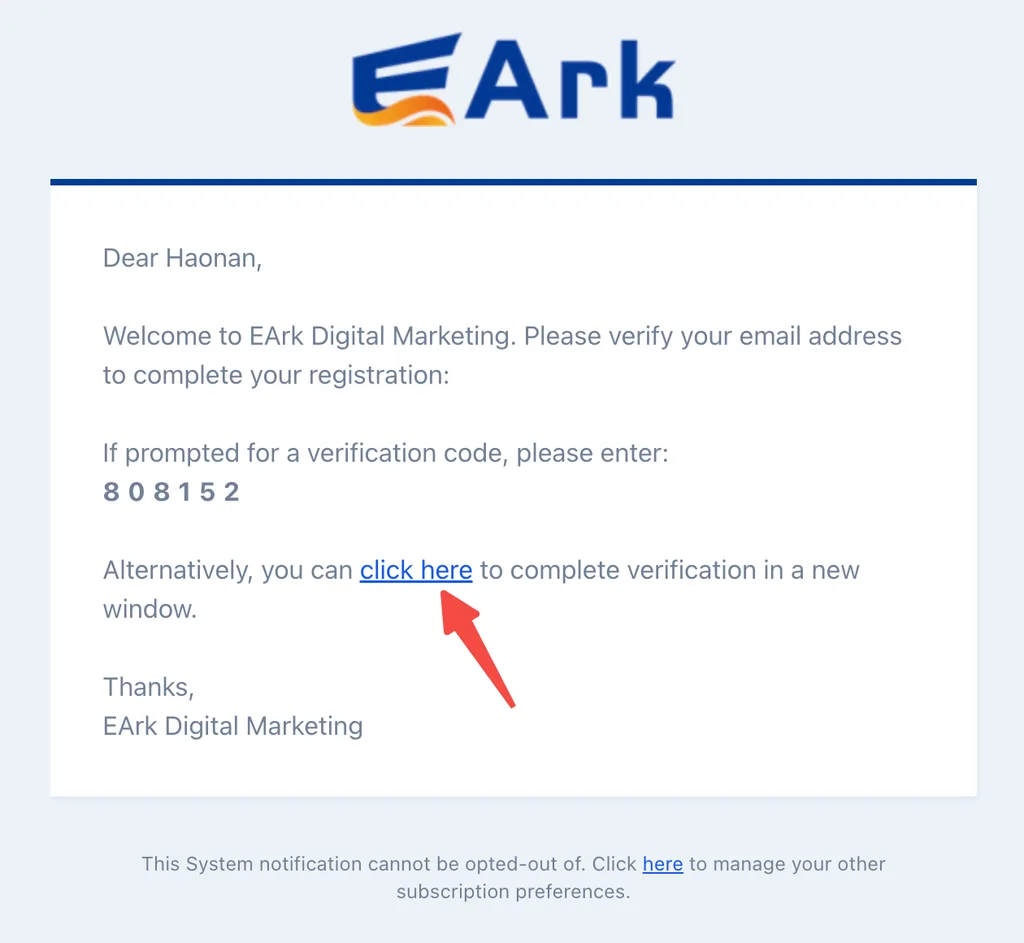
Once you’ve completed the registration, our system will send an email to verify your email address.
Check your email inbox, and click the verification link to complete email verification as soon as possible.